Why OTA antennas are back in living rooms
If you’ve ever opened a streaming app for the evening news and found it locked behind a higher tier, you’ve felt why antennas are showing up again. Over-the-air TV is one of the few ways to get major local channels—news, weather, and many big live events—without adding another monthly bill or chasing which service has what this season.
It also solves a reliability problem: broadcasts don’t buffer, and they can keep working when your internet is slow or down. The trade-off is that reception depends on where you live and what blocks the signal, and some homes need a better antenna, a higher placement, or a separate DVR if you want pause-and-rewind.
The real cost savings beyond canceling a subscription
Most people buy an antenna to drop a “live TV” add-on, but the savings often keep going after that. Once local channels come in for free, you can downgrade other services without feeling like you’re giving up the basics. If a family keeps one on-demand subscription for shows and uses OTA for news, prime-time networks, and weekend sports that air locally, the monthly spend can shrink without turning TV into a nightly scavenger hunt.
There are still real costs to plan for. A decent indoor antenna can be inexpensive, but awkward rooms may need a better model, a longer coax cable, or an outdoor mount. If you want recordings, you may add a DVR box or a network tuner and possibly an external hard drive. The good news is those are usually one-time buys, and they’re easy to compare against even a few months of extra tiers and fees.
Picture quality surprises: when free beats paid TV
A common surprise with OTA is that the picture can look cleaner than what you get through a cable box or a “live TV” streaming bundle. Many local stations broadcast in HD, and the signal arrives without the extra compression that often gets added when a provider has to squeeze hundreds of channels through limited bandwidth. That shows up as sharper edges on graphics, steadier motion in sports, and fewer ugly artifacts in fast-moving scenes.
It isn’t a guarantee, though. Some stations still broadcast at lower resolutions, and your TV’s built-in tuner and upscaling can change how the image looks. You also trade compression issues for reception issues: if your signal is borderline, the picture won’t get slightly worse—it can freeze, pixelate, or drop out entirely. The payoff is real when reception is solid, especially on your main local channels.
Local channels, weather alerts, and sports you may miss
If your TV habits revolve around local information, OTA’s strongest feature is simple access. You get the big broadcast networks in your area, which usually covers local news, local ads (for better or worse), and the kind of “we’re cutting in live” moments that can be delayed or missing in apps. Many TVs also support broadcast-based emergency alerts, and an antenna keeps that path working even if your internet service is having a bad night.
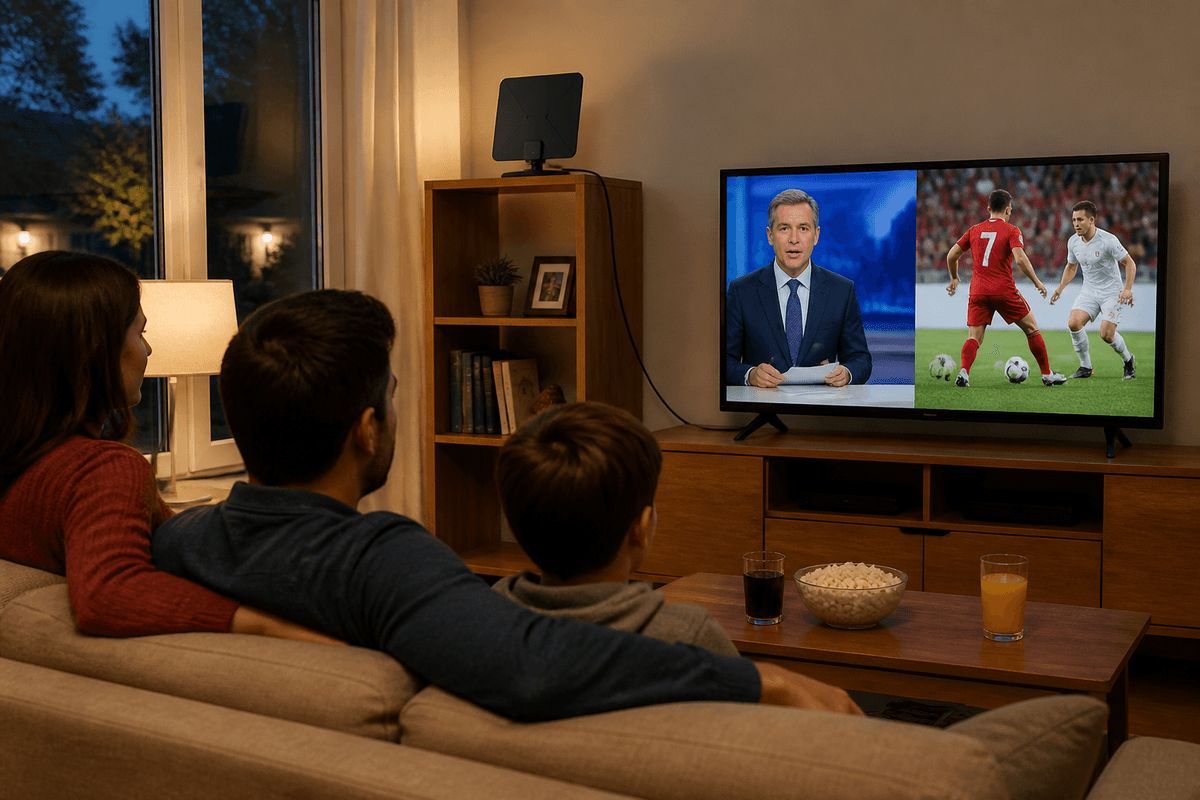
The sports picture is where expectations need a reality check. An antenna is great for games that air on local affiliates—think many NFL matchups, some college games, and big events carried by major networks. It won’t replace regional sports networks, league packages, or games that moved to cable-only or streaming-only deals, and blackouts can still apply. If your must-watch team lives on an RSN, OTA becomes a complement, not a full replacement.
Reception isn’t magic: what determines your channel count
You’ll see antenna ads promising “100+ channels,” but what you receive is mostly determined by physics and geography, not marketing. The biggest factor is distance to the broadcast towers that serve your area. The farther you are, the more signal strength matters, and the more likely you’ll need a larger antenna or outdoor placement. Terrain and obstructions are the next big swing: hills, dense trees, and even nearby buildings can weaken signals, especially if you’re in a valley or on a lower floor of an apartment.
Your home’s materials also matter. Brick, stucco with metal mesh, radiant-barrier insulation, and low-E windows can all reduce indoor reception. The “good spot” can be as specific as one wall or one window, which is why a ten-minute test move can change your channel list more than buying a pricier model. Be careful with amplifiers: they can help on long cable runs or weak signals, but they can also overload strong local stations and make reception worse.
Setup and gear choices that make OTA feel modern
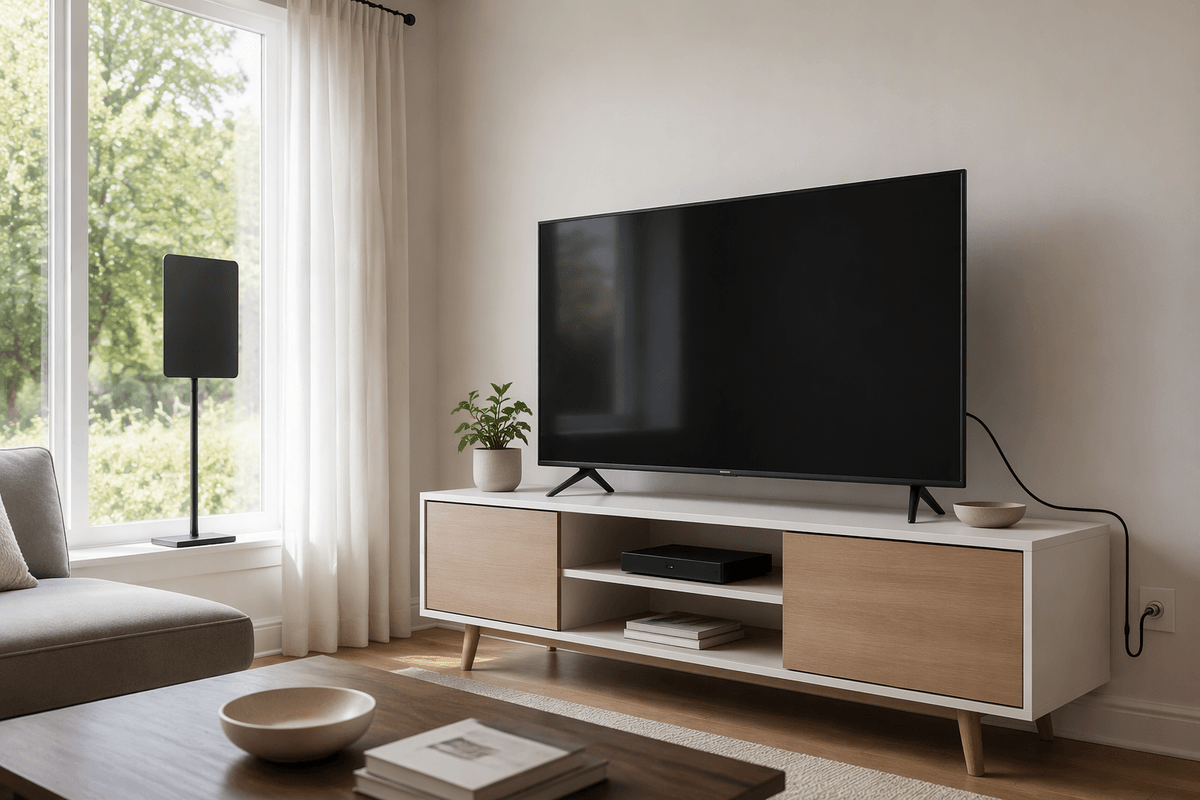
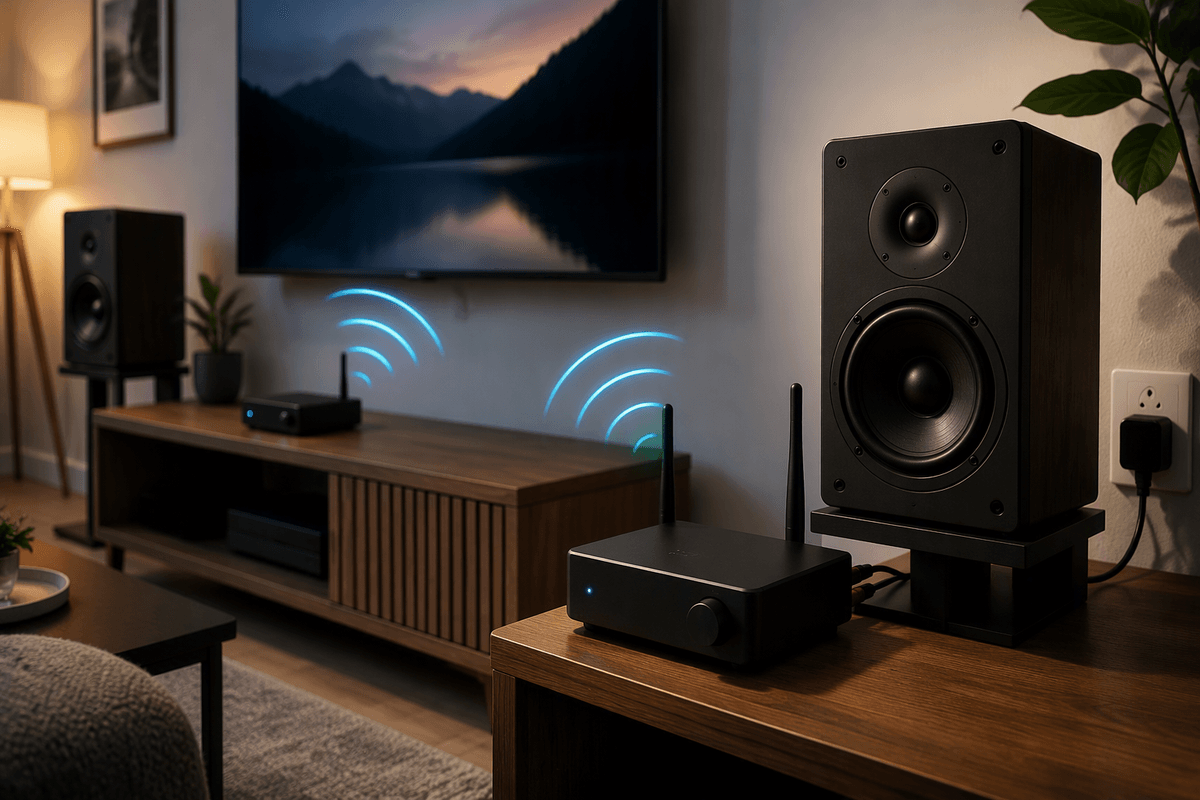
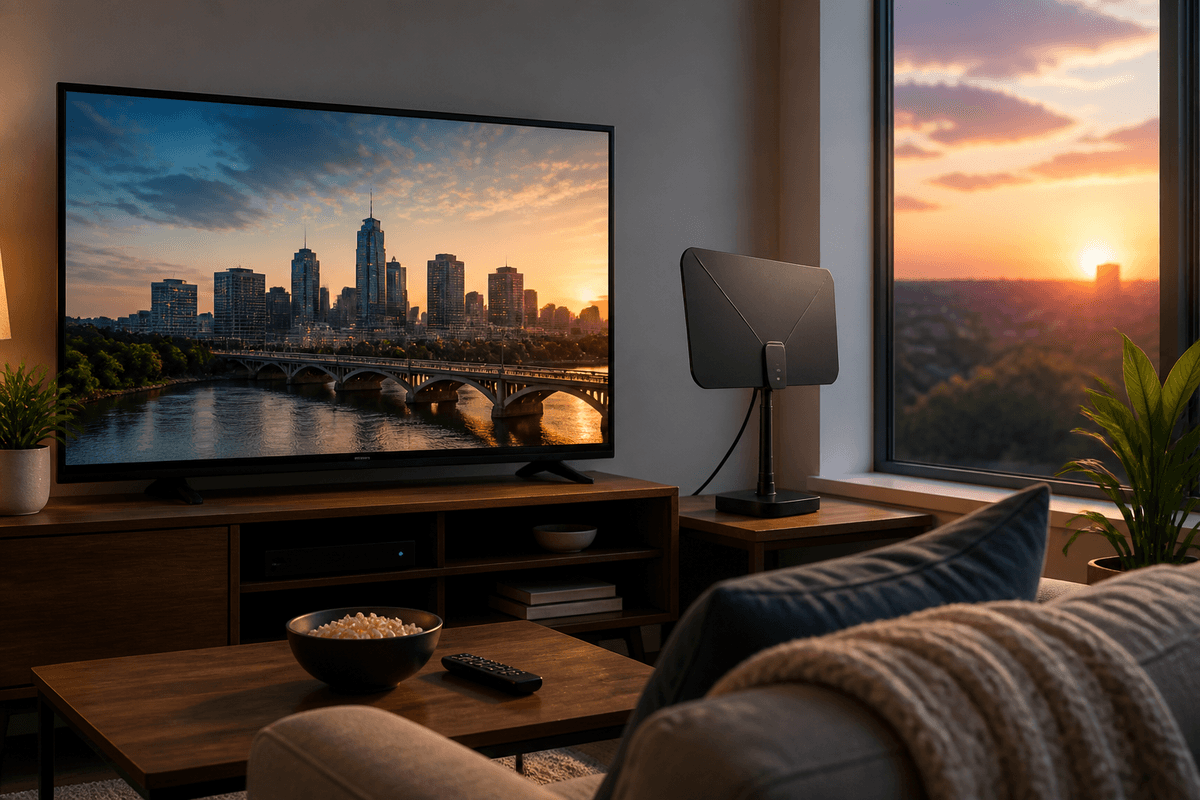
The easiest modern-feeling setup is one where the antenna disappears into your routine. If your TV has a decent tuner, start there: connect the coax, run a channel scan, and test a few placements before you commit to mounting anything. A thin indoor antenna near a window can be enough in many neighborhoods, while a small attic or outdoor antenna often turns “mostly fine” reception into something you can count on—at the cost of drilling, weatherproofing, and sometimes landlord permission.
Where OTA starts to feel like streaming is when you add convenience. A DVR made for antennas (or a network tuner that sends channels over your home Wi‑Fi) gives you pause-and-rewind, recordings, and in some cases a guide that looks like cable. The trade-off is complexity: you may need an app on each TV, an external hard drive, and occasional troubleshooting when your router or firmware updates. If you keep it simple—good placement, solid cable, and one reliable recording solution—OTA stops feeling “old” fast.
A quick decision checklist for your home and habits
If you’re considering an antenna, start with a few yes-or-no checks. Do you watch local news, major network shows, or broadcast sports weekly? Do you want a “works even when the internet stumbles” option? Can you place an antenna near a window, on an exterior wall, or higher up (and are you allowed to mount anything if you rent)? Are you willing to do a quick placement test and re-scan channels once or twice a year?
Then decide what “good enough” means. If live viewing is the main goal, keep it simple and budget for a better antenna only if your first scan is shaky. If you expect pause-and-rewind, plan for a DVR or network tuner and the added cost, wiring, and occasional troubleshooting that comes with it.