
How to Ask Alexa to Remember Things
Learn how to use Alexa “remember this” to save notes, recall them later, and edit or delete them in the Alexa app—plus tips for accuracy and privacy.
Isabella Moss
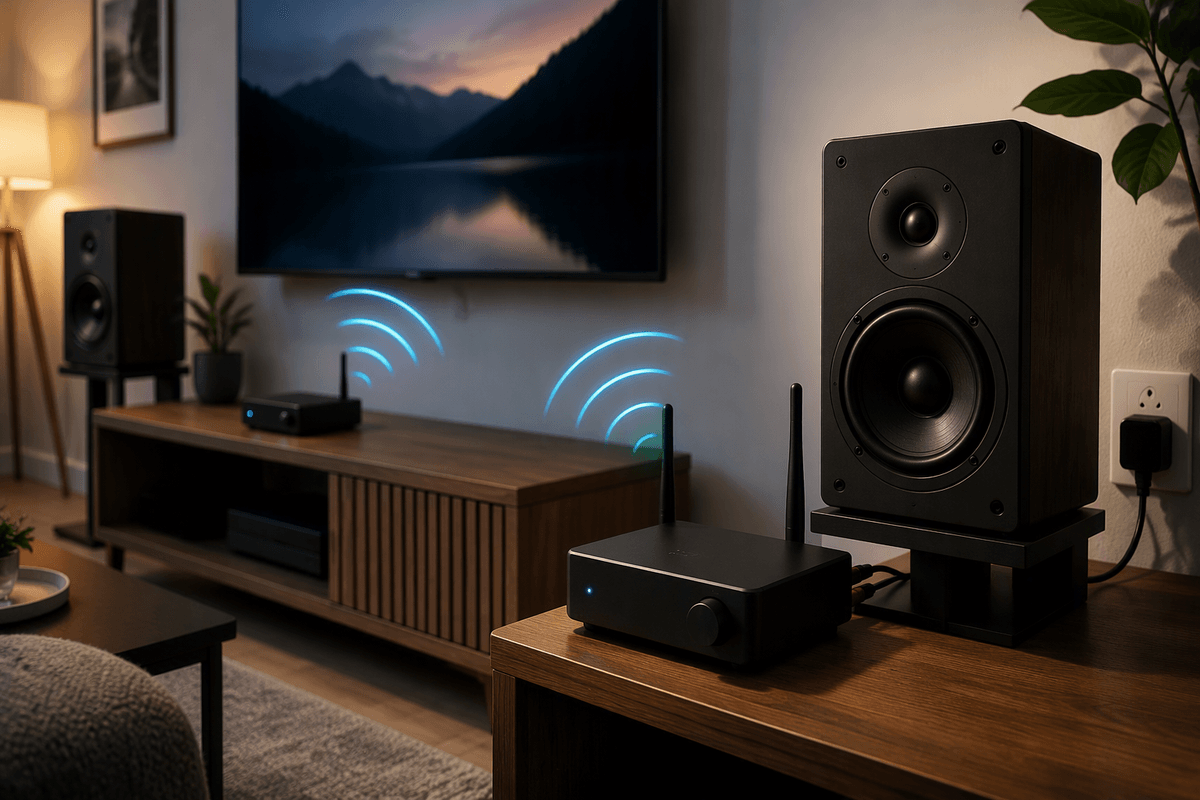
How to Make Your Wired Speakers Wireless
Learn how to make wired speakers wireless with Bluetooth, Wi‑Fi streamers, or RF link kits—plus tips on amps, latency, dropouts, and setup.
Jennifer Redmond
How to Download Your Personal Data From Apple
Learn how to download your personal data from Apple using the Privacy portal, choose data types and file sizes, and safely download, unzip, and store exports.
Madison Evans

How to Connect Alexa and Cortana, Use Them Together
Learn how to connect Alexa and Cortana today, check whether the Cortana skill still works, and use Alexa routines and Microsoft services as alternatives.
Sid Leonard
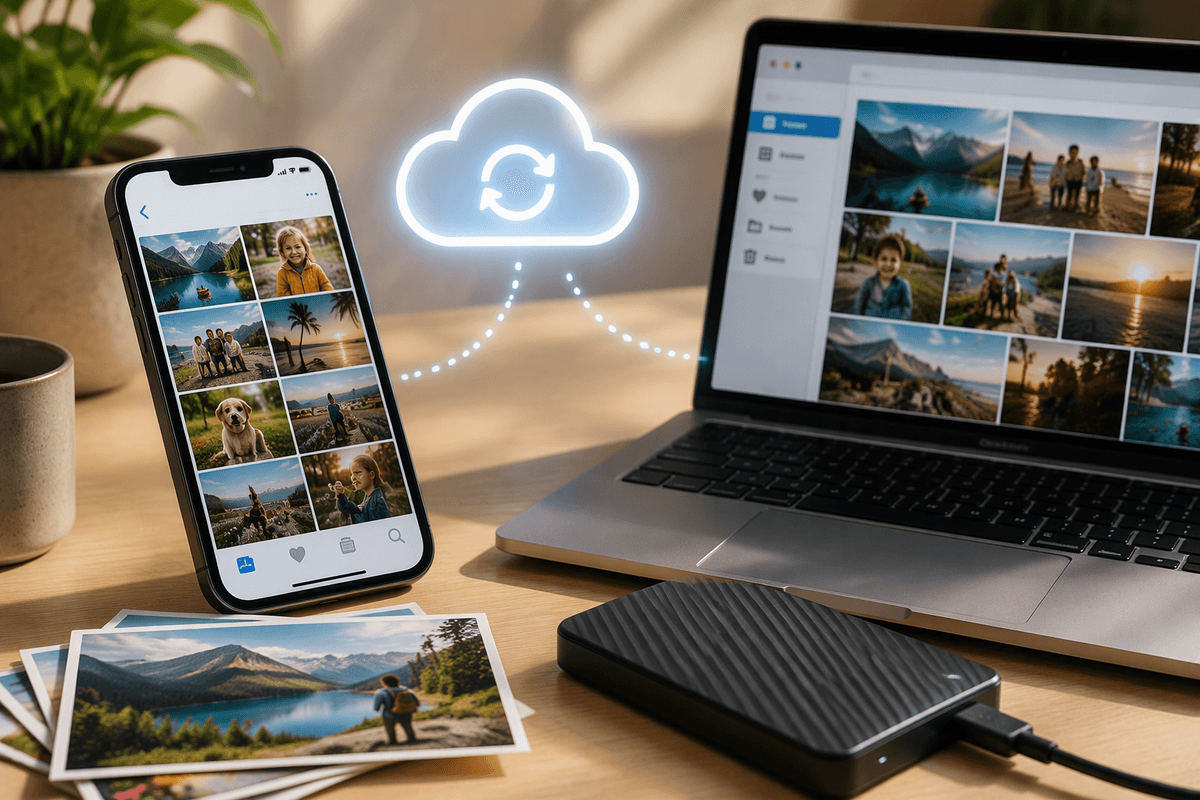
How to Back Up and Organize Photos From Your iPhone or iPad
Learn how to back up and organize photos from your iPhone or iPad using iCloud Photos plus a second copy on Mac/PC or an external drive to avoid loss.
Pamela Andrew
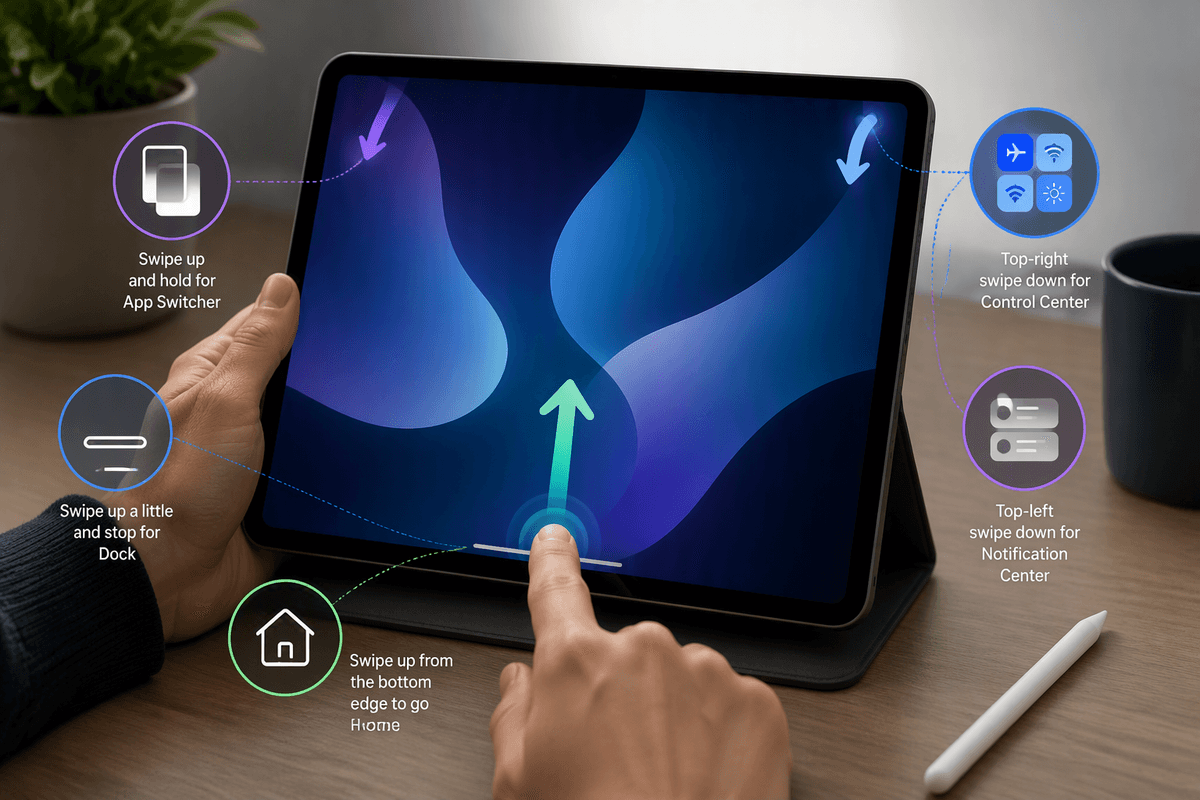
How to Navigate Your iPad Pro and iPad Air Without a Home Button
Learn the essential gestures to navigate an iPad Pro or iPad Air without a Home button, including Home, app switcher, Dock, Control Center, and multitasking tips.
Kristina Cappetta

What Is a Zero-Click Attack?
Learn what a zero-click attack is, how it compromises devices without any tap, where it enters (messages, calls, email), and how to reduce risk.
Celia Kreitner
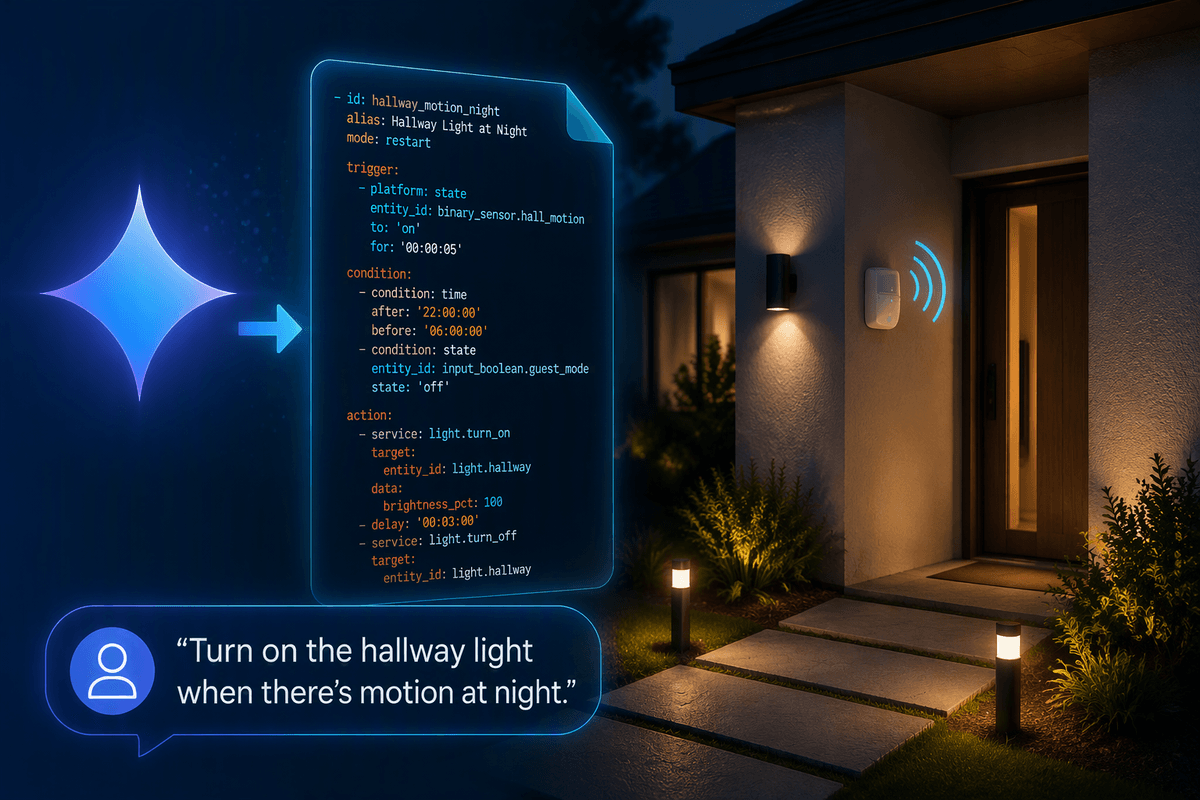
Gemini Can Help Build Home Assistant Automations
Learn how Gemini can draft Home Assistant automations faster, plus a workflow for accurate YAML/UI steps, debugging with Trace, and privacy and safety guardrails.
Celia Kreitner
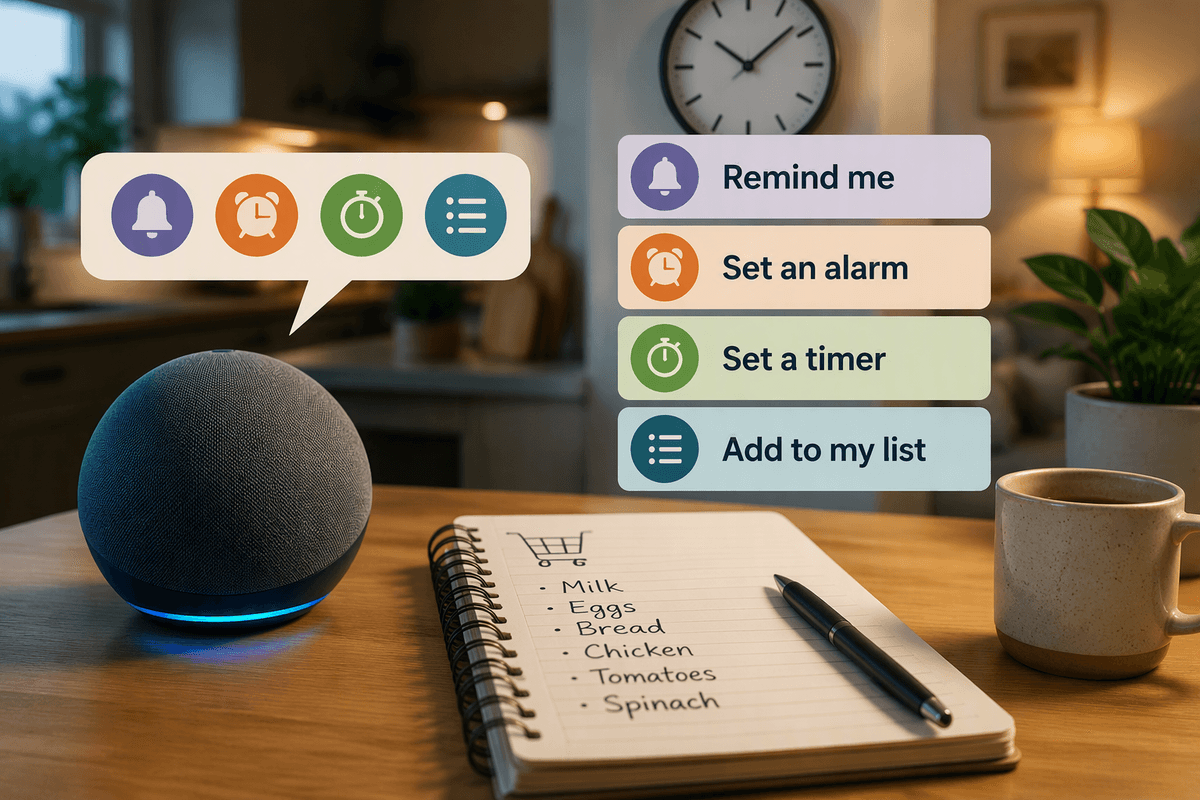
How to Set Up Reminders, Alarms, Timers, and Lists With Alexa
Learn how to set up Alexa reminders, alarms, timers, and lists—plus device settings, recurring schedules, and fixes for missed alerts and messy lists.
Madison Evans
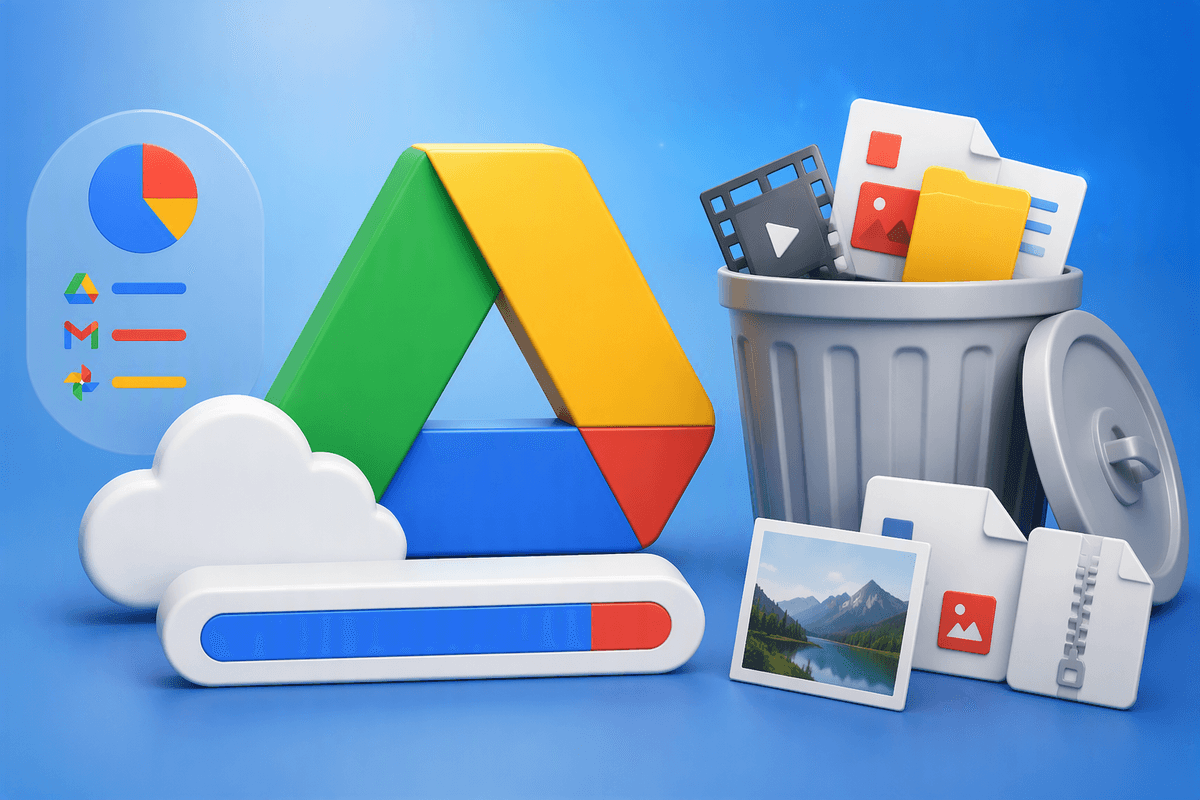
How to Free Up Space in Google Drive
Learn how to free up space in Google Drive by finding large files, deleting duplicates, emptying Trash, managing versions, and cleaning up Gmail and Photos.
Paula Miller
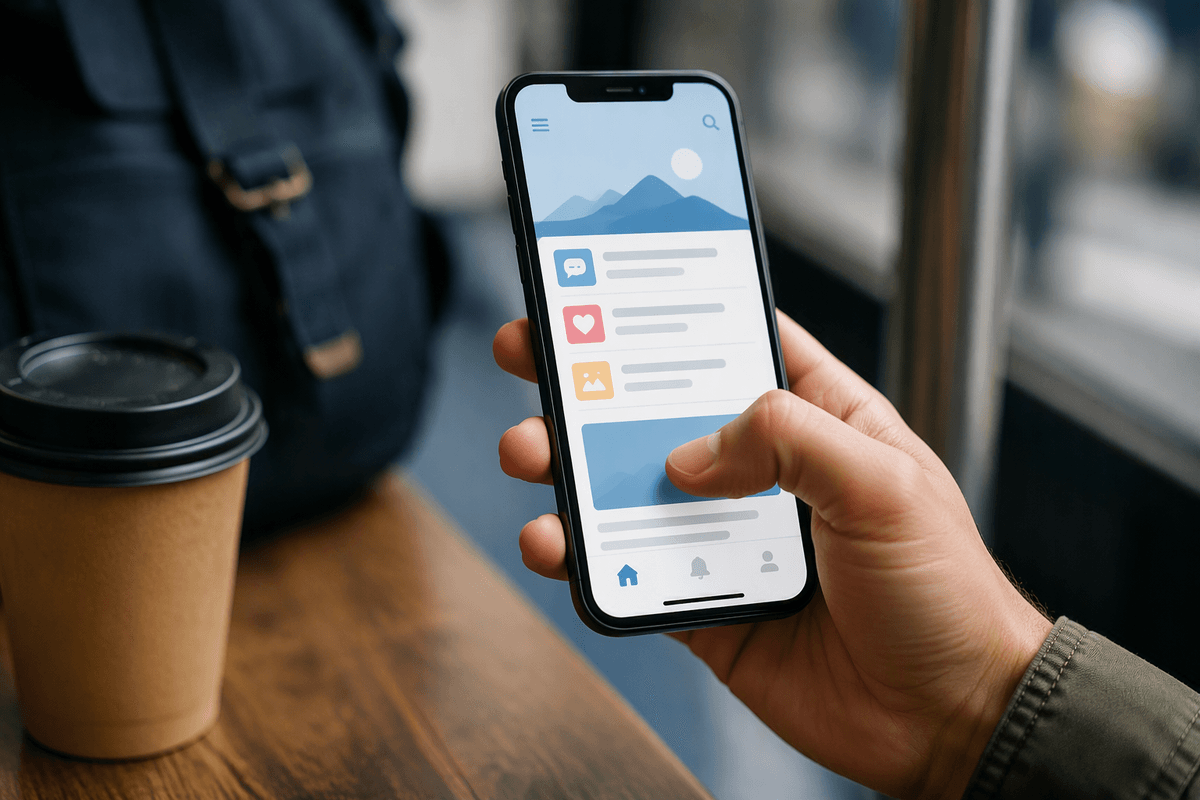
Simplified Scrolling: How to Use Your Smartphone With One Hand
Learn how to use your smartphone with one hand using iPhone and Android one-handed modes, smarter gestures, typing tweaks, and grip tips.
Pamela Andrew
How to Make Windows Easier on Your Eyes
Learn how to make Windows easier on your eyes with better brightness, scaling, ClearType, Night light, themes, and browser/app glare fixes.
Celia Kreitner

Find Things Faster: How to Search in Windows 10 and 11
Learn how to search in Windows 10 and 11 faster: choose Start, Explorer, or Settings, use filters and operators, reduce web results, and fix indexing.
Kristina Cappetta