Start by choosing the right tool: reminder, alarm, timer, list
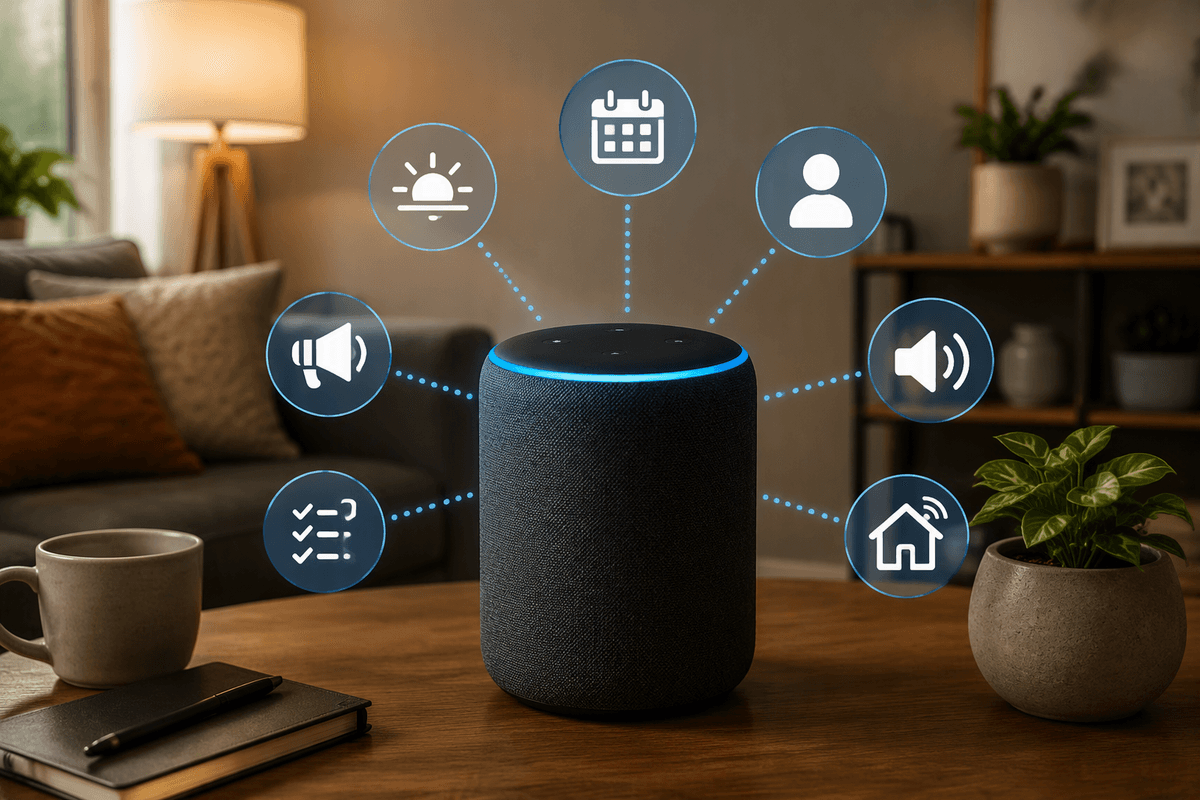
You’ll get better results with Alexa when you decide what kind of “nudge” you need before you speak. Use a reminder when the task matters more than the exact second: “pay rent,” “call the dentist,” or “take out the trash.” Use an alarm when you must be alerted at a specific time, even if you’re not paying attention—wake-ups and “leave the house” moments fit here.
Use a timer for short, count-down situations: pasta, laundry, study sprints, or “check the oven in 15 minutes.” Use a list when the goal is collecting items you’ll act on later—groceries, packing, errands, or shared chores. The trade-off: lists won’t interrupt you, but alarms and timers can feel noisy if you set too many.
Get your devices and Alexa app ready for reliable alerts
The fastest way to miss alerts is letting Alexa guess where they should play. Open the Alexa app and give each Echo a clear name tied to a room (“Kitchen Echo,” “Bedroom Dot”), then check that each device shows the correct address and time zone. Set your most-used Echo as your default speaker for voice requests, or get in the habit of saying the room (“set a timer on Kitchen Echo”). If you use more than one adult in the house, confirm everyone is in the same Amazon Household so reminders and lists don’t land in separate accounts.
For reliability, check three practical settings: device volume (alarms ignore “whisper” habits), Do Not Disturb schedules (they silence notifications), and phone notifications in the Alexa app (useful when you’re away from home). The trade-off is noise and cost: “announce everywhere” helps you hear alerts, but it can bother others, and adding more Echo devices improves coverage only if you’re willing to buy and place them.
Set reminders by voice without guessing the wording
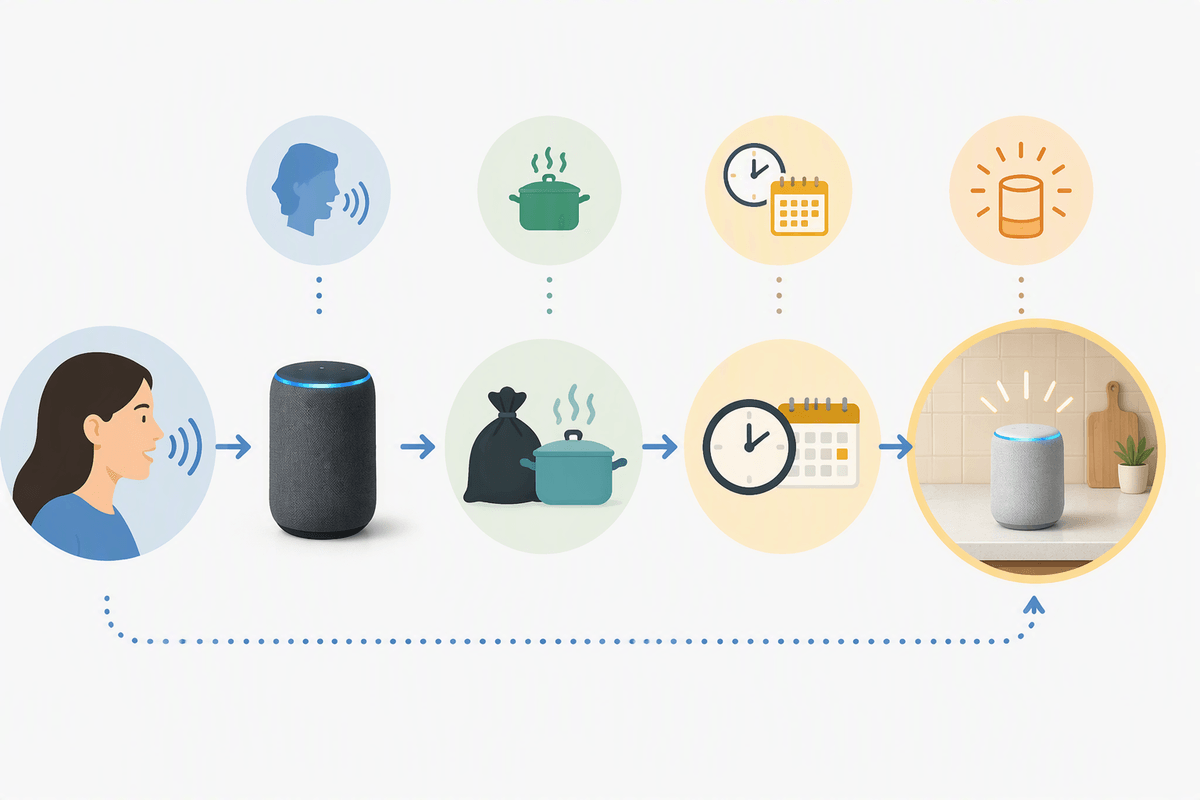
You’ve probably had the “Sure—when should I remind you?” loop happen because your phrasing didn’t include a clear time. The most reliable pattern is: “Alexa, remind me to task at time,” or “Alexa, remind me on day at time to task.” Keep the time concrete (like “today at 4 PM” or “tomorrow at 8 AM”), especially if multiple people are talking in the same room and Alexa is already juggling context.
If you want the reminder to go to a specific place, say it out loud: “Alexa, remind me on Kitchen Echo at 6 PM to start dinner.” If you don’t, Alexa will usually attach it to the device that heard you, which is how “take out the trash” ends up chiming in the bedroom. When Alexa repeats the reminder back, listen for the device name and time; correcting it right then is faster than hunting through the app later.
Make reminders useful: recurring schedules, follow-ups, and locations
A one-time reminder is fine, but most households need the same handful of prompts repeating. Use recurring reminders for predictable routines: “Alexa, remind me every Tuesday at 8 PM to put out recycling,” or “every weekday at 7:30 AM to take vitamins.” If the cadence is awkward, set it once in the Alexa app so you can pick exact repeat options (and edit later without re-speaking the whole thing).
Follow-ups are where reminders earn their keep. After you set “call the dentist,” add a second reminder for the consequence: “remind me tomorrow at 9 AM to confirm the appointment,” or “remind me Friday at 3 PM to bring my insurance card.” Location-based reminders can work well for “when I arrive at work” or “when I leave home,” but they rely on your phone’s location permissions and battery. If those are unreliable, a time-based reminder is more predictable.
Use alarms and timers for time-critical moments (and multiple timers)
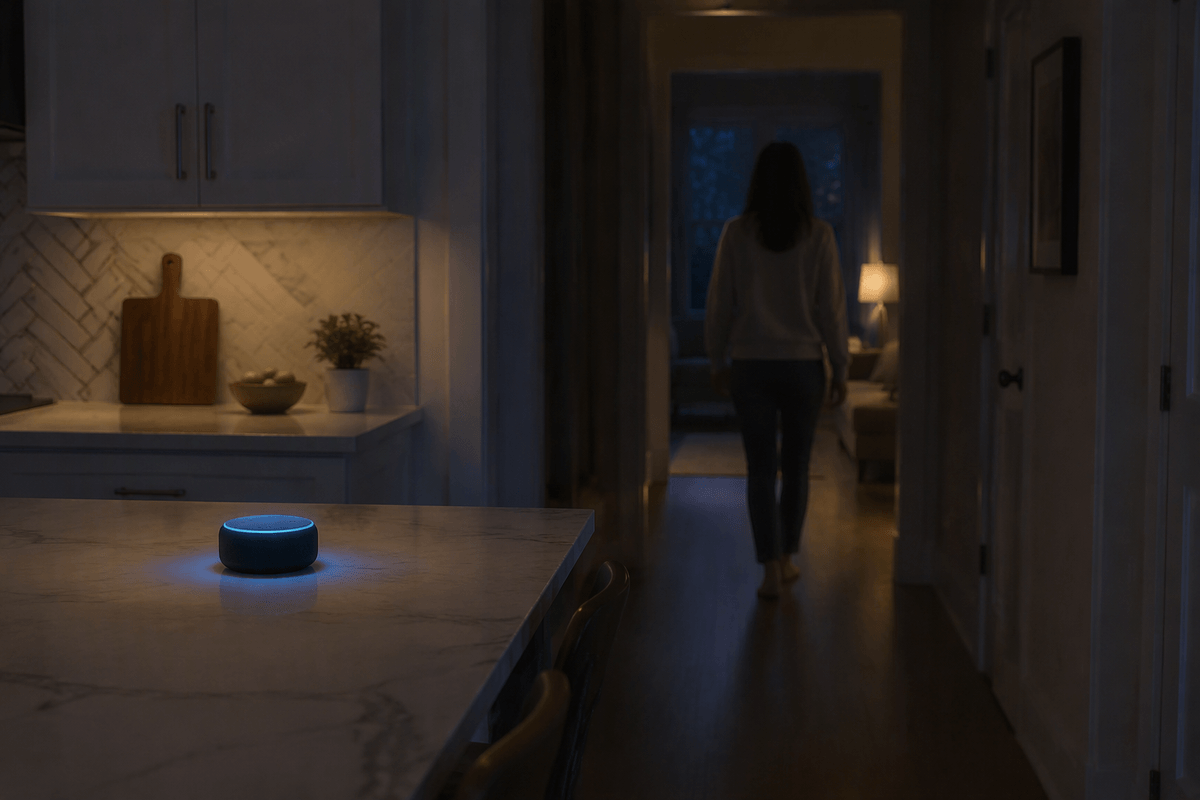
You feel the difference between “I should do this” and “I have to move now.” Use an alarm for the second category: wake-ups, “leave in 10 minutes,” picking up kids, or joining a meeting on time. Alarms are anchored to a clock time and keep ringing until you stop them, which is why they work when you might be distracted. Say exactly what you want: “Alexa, set an alarm for 6:45 AM,” or “set an alarm for 3 PM called ‘leave for dentist.’” When life changes, don’t guess which one you set—ask, “Alexa, what alarms are set?” then cancel by time or name.
Use timers for countdown tasks where the start time matters more than the end time: cooking, laundry, focus sprints, or “check the oven in 12 minutes.” The practical trick is labels. “Set a 10-minute pasta timer” and “set a 25-minute study timer” lets you manage multiple timers without confusion. The limitation is noise and coverage: timers usually alert on the device that heard you, so if you walk away, you may miss it unless you set it on the room you’ll be in.
Build lists that actually get used at the store
You’ve probably added something to a shopping list by voice, then stood in the aisle wondering where it went. The most reliable setup is one “default” grocery list that everyone uses, plus one optional list for non-store tasks (like “Hardware” or “Packing”). Keep names simple and distinct so Alexa doesn’t mishear them: “Grocery” and “To Do” are safer than “Groceries for Costco” and “Grocery Stuff.” Add items with a consistent phrasing: “Alexa, add milk to my Grocery list,” and check that Alexa repeats the list name back.
In the store, open the Alexa app, tap Lists & Notes, and sort by unchecked items so it reads like a shopping run. When you think of something mid-trip, add it by voice to your phone (or earbuds) so it lands in the same list without juggling a cart. The practical limitation is sharing: if family members aren’t in the same Amazon Household or they’re adding to a different list name, you’ll end up with duplicates and missing items.
Fix the usual problems: wrong device, missed alerts, messy lists
The most common “why didn’t Alexa remind me?” problem is simply that it reminded the wrong place. When you notice an alert went to the bedroom instead of the kitchen, don’t troubleshoot blindly—ask, “Alexa, what reminders are set?” or “what alarms are set?” and listen for the device name. Then either delete and recreate it with the destination (“remind me on Kitchen Echo…”) or set a habit: time-critical items become alarms on the room you’ll be in.
Missed alerts usually come from three boring causes: volume too low, Do Not Disturb turned on, or you walked away from the device that heard the request. Fix those first, then add a backup: enable Alexa app notifications on your phone for reminders so you still see them when you’re out. For messy lists, pick one “Grocery” list and enforce it. When you see duplicates (“tomatoes” vs “tomato”), edit in the app once; otherwise the clutter just grows.
A simple daily setup that keeps Alexa helpful, not noisy
A daily setup that stays useful is usually just three defaults: one Grocery list, one recurring “home routine” reminder, and alarms only for truly time-critical moments. Many people do well with a single evening reminder (“every day at 8 PM to check tomorrow’s calendar and bag”) and one weekly reminder for trash/recycling, then rely on timers for cooking and focus sessions. Keep alerts contained by aiming them at the room you’ll be in (“set an alarm on Bedroom Dot”) and using phone notifications as a backup only for reminders, not timers. The cost is discipline: if you let extra list names and one-off alarms pile up, it gets noisy fast.